You
have no items in your shopping cart.
How to Improve Your Portraits: Posing, Lighting & Composition
May 06, 2026
1 min read


You saw it perfectly. You took the shot. And somehow… it didn’t land. That gap between what you see and what your camera captures? It’s not about needing better gear—it’s about knowing how to use what you’ve got. At KEH, we’ve seen it time and time again: great portraits come down to a few fundamentals done well. Composition. Light. A handful of smart settings. Master those, and even an everyday setup can deliver standout results.
Consider this your go-to guide for better portraits—no upgrade required.
Stronger portraits don’t come from chasing specs—they come from controlling the frame. Start with composition: use the rule of thirds, leading lines, and clean headroom to build depth. Then focus on light—golden hour outdoors or soft window light indoors will instantly elevate your results. Create background blur by moving closer and increasing the distance between your subject and the background (a prime lens helps, but it’s not required). Finally, dial in exposure and color using shutter speed, histogram, and white balance.
Run through the simple Grid–Light–Settings checklist, and you’ll start seeing more consistency shot to shot. If you want extra flexibility in editing, shoot RAW—but great results start in-camera.
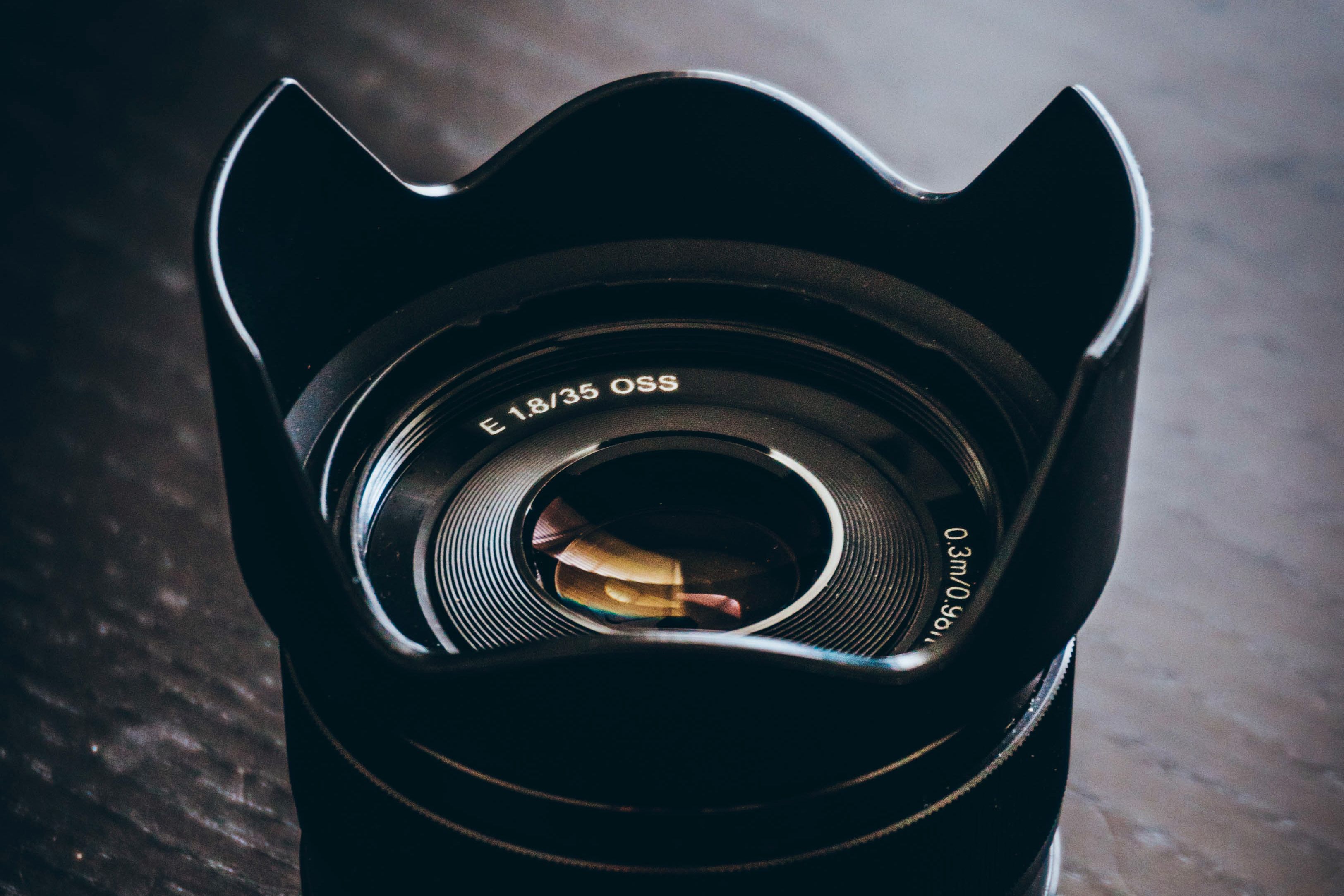
Centering your subject is the default—but it’s rarely the strongest choice.
Turn on your grid and think in thirds. Placing your subject where those lines intersect creates a more natural, balanced image with room to breathe.
Then look for what’s already in your scene. Roads, fences, and tabletops—these can all act as leading lines, subtly guiding the viewer’s eye right where you want it.
Before you shoot, take a second:
Small adjustments, big difference.
If your outdoor portraits have harsh shadows and tired-looking eyes, it’s probably the light—not your camera.
Think of your subject at the center of a clock. Midday sun (12 o’clock) hits from above and creates unflattering shadows. Instead, aim for golden hour—just after sunrise or before sunset—when the light is lower, softer, and far more forgiving.
Indoors, the fix is simple: use a window. Position your subject facing it, and you’ve got soft, even light that works every time.
That soft, blurred background? It’s not reserved for high-end setups.
It comes down to depth of field—and you can control it with distance alone.
Step closer to your subject, and make sure there’s plenty of space behind them (around 8–10 feet is a good start). That separation helps your subject stand out.
If you do want to lean into gear later:
Both have their place. It just depends on how you like to shoot.
Want more in-depth support on the zoom vs prime lense debate? Check out our buyer’s guide.
If your images are coming out blurry or too bright, your settings—not your camera—are the issue.
Start with shutter speed. Think of it like a blink:
Next, check your histogram. If it’s pushed all the way to the right, your highlights are blown out—dial things back.
And if your colors look off? Adjust white balance to match your light source. It’s a quick fix that makes a big difference.
Before your next shot, run through this:
Grid. Light. Settings.
Or try this quick setup:
That alone will put you ahead of most casual shots.
When it comes to file types, JPEG is perfectly fine for everyday use. But if you want more flexibility in editing—especially for exposure and color—RAW gives you more room to work.
Why do composition and lighting matter more than gear?
Because they control how your subject is seen. Strong framing and good light create depth, balance, and clarity—things no spec sheet can replace.
What’s the easiest way to improve lighting?
Shoot during golden hour or use window light indoors. Both are simple, reliable, and consistently flattering.
How do I get background blur without upgrading lenses?
Move closer to your subject and increase the distance behind them. That separation does most of the work.
Why are my photos blurry or overexposed?
Check your shutter speed and histogram. Faster shutter speeds reduce blur and brightness; the histogram helps you avoid blown highlights.
Should I shoot RAW or JPEG?
JPEG is great for most situations. Shoot RAW when you want more control in editing—especially for tricky lighting.