You
have no items in your shopping cart.
Horror Photography Lighting and Editing: How to Create Spooky, Cinematic Shots
October 29, 2026
1 min read

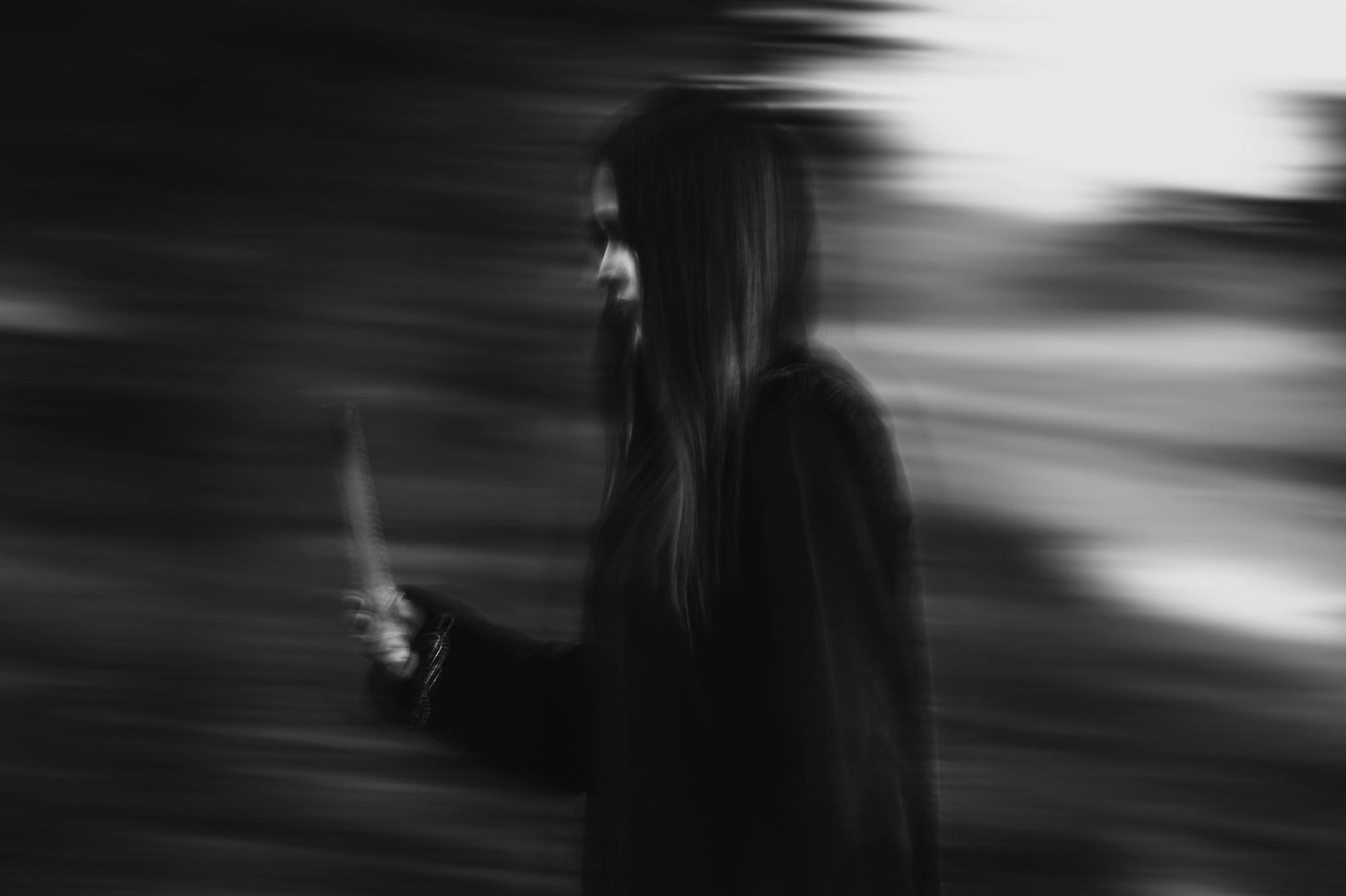
Horror photography is all about controlling what the viewer sees and what they have to imagine. A face half-hidden in shadow, a figure outlined in a doorway, or a familiar room lit from the wrong direction can create more tension than a frame full of effects.
The trick is making those choices deliberately. You need lighting that establishes the mood, a composition that guides the viewer’s attention, and editing that brings the look together without burying the details.
Whether you’re creating Halloween portraits, building a horror-inspired portfolio, or experimenting with cinematic photography at home, you can get started with a single light source and a few simple tools.
Before setting up your camera, decide what the image should make someone feel. Psychological horror, supernatural portraits, and slasher-inspired imagery call for different visual approaches. A cold, barely visible figure might work for one concept, while a harsh flash and sharp shadows might better suit another.
Start with three decisions: where the light will come from, what the viewer should notice first, and which details should remain hidden.
You don’t need a studio to experiment. A desk lamp, flashlight, window, or small LED light can all serve as your main source. Black fabric or foam board can deepen shadows, while a white reflector can bring a little detail back into a dark face.
| Lighting Approach | What It Looks Like | Best For |
| Side lighting | One side of the face is bright while the other falls into shadow | Unsettling portraits with strong facial definition |
| Backlighting | A bright outline separates the subject from the background | Silhouettes, figures in doorways, and atmospheric scenes |
| Underlighting | Shadows rise across the face from below | Supernatural, theatrical, or Halloween-inspired portraits |
| Hard light | Sharp shadows and bright, defined highlights | Graphic horror, stark portraits, and suspenseful compositions |
| Colored light | Red, blue, green, or mixed hues change the atmosphere | Surreal scenes and cinematic horror looks |
The fastest way to understand lighting is to see what happens when you change the position of a light. These setups are designed to be repeatable, even if you’re working in a bedroom, hallway, or makeshift home studio.
The look: A face emerging from darkness, with one eye and one side of the face clearly visible.
What you need: A desk lamp or LED light, a dark background, and black foam board or fabric.
How to set it up:
Camera starting point: Try an aperture around f/2.8 to f/4 for a portrait with a softly blurred background. Set your shutter speed fast enough to prevent motion blur, then adjust ISO to achieve the exposure you need.
What to watch for: If the shadow side becomes a featureless black patch, bring in a small amount of reflected light. If the portrait feels too evenly lit, move the light farther around the side of the face rather than immediately changing your camera settings.
The look: A silhouette or partially visible figure standing against a narrow strip of light.
What you need: A doorway, a lamp or LED light behind the subject, and a tripod if you’re working with slower shutter speeds.
How to set it up:
Camera starting point: Begin around f/4 to f/5.6 if you want more of the scene in focus. Adjust shutter speed and ISO to preserve the background highlights and maintain the silhouette.
What to watch for: Too much light spilling toward the camera can wash out the image. If the outline disappears, move the light or subject so the background and figure separate more clearly.
The look: A familiar face with strange, upward-cast shadows that feel theatrical or supernatural.
What you need: A flashlight, small LED panel, or lamp that can be positioned below the subject.
How to set it up:
Camera starting point: Try f/2.8 to f/4 for a close portrait, with a shutter speed that keeps the subject sharp. Adjust ISO based on the brightness of your light.
What to watch for: Underlighting can become cartoonish quickly. Keep the effect subtle if you want psychological tension rather than an overt Halloween look.
The right equipment gives you more control, but you don’t need to buy a full lighting kit to create compelling horror images. Start with the tools you have, then add gear to solve specific problems.
A camera with good high-ISO performance helps when you’re shooting in dim environments. A fast prime lens, such as a 35mm or 50mm with a wide maximum aperture, lets in more light and can separate your subject from the background.
Browse KEH Certified™ pre-owned cameras and look for a camera that fits your budget, shooting style, and existing lens mount.
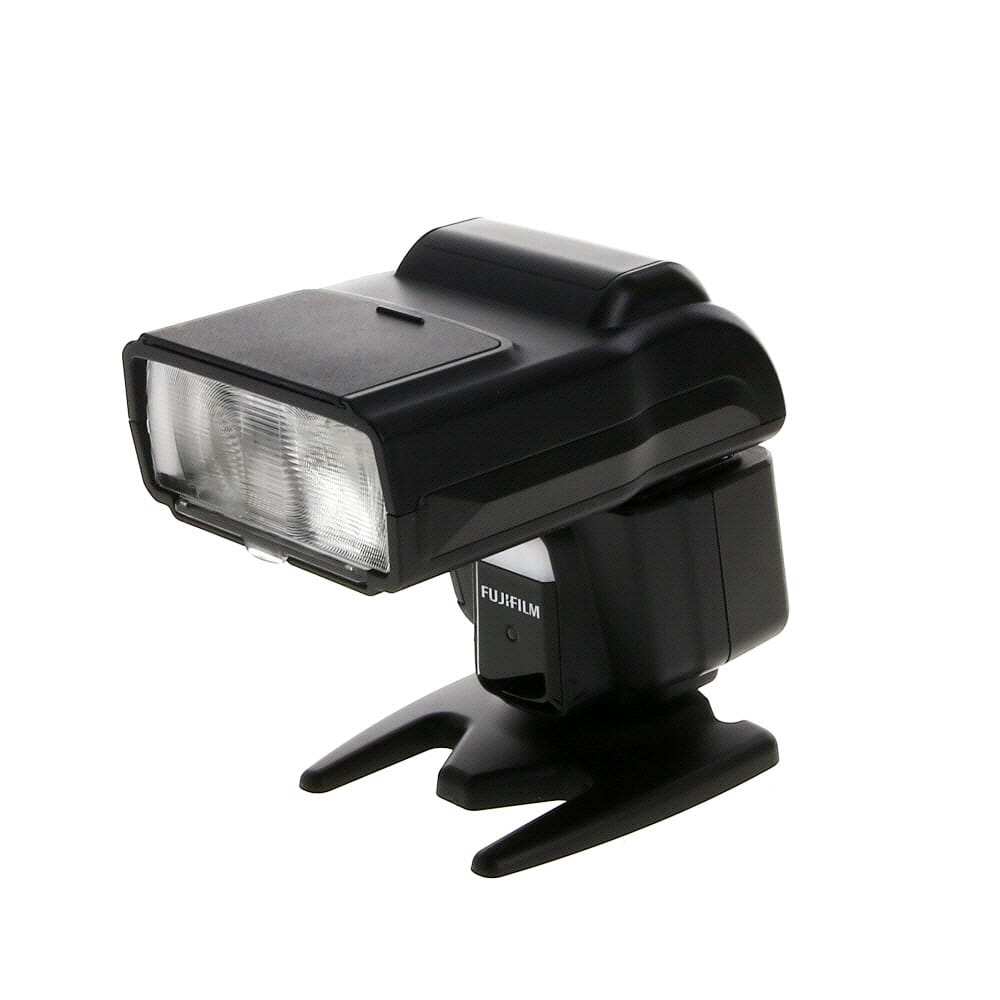
An external flash gives you control over light intensity and direction. Used off-camera, it can create hard shadows, freeze movement, or produce a defined rim of light around a subject. Add compatible gels when you want to introduce color without relying entirely on colored ambient lighting.
Explore flash and lighting equipment to find options for your setup.
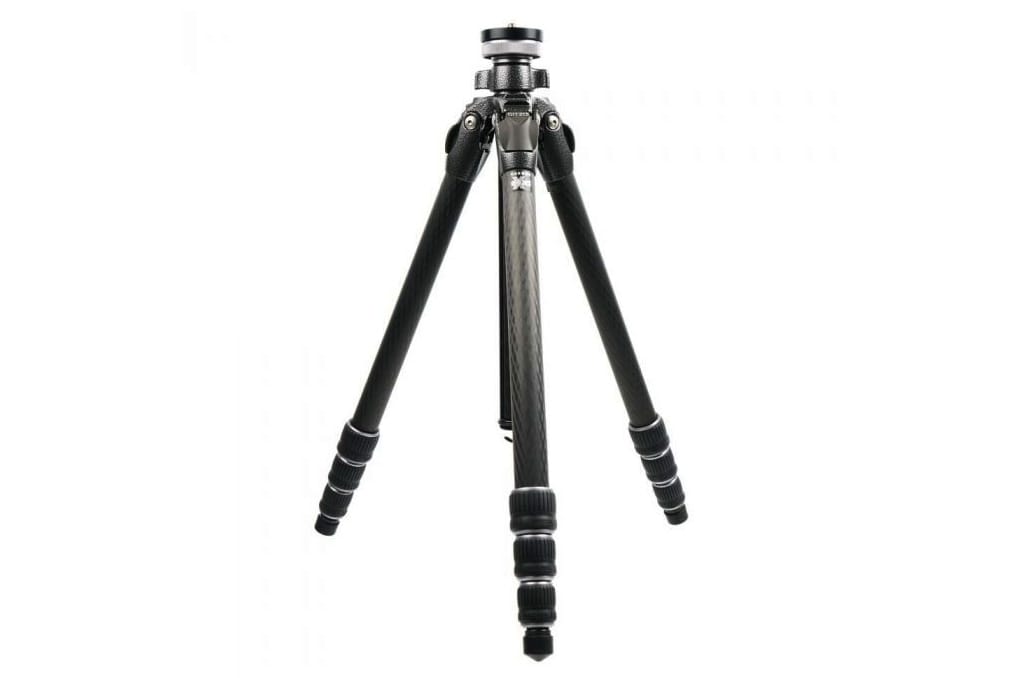
A tripod keeps the camera steady when you’re using slower shutter speeds for still subjects. It’s particularly useful for staged scenes, empty hallways, and portraits where you want to keep the framing consistent while testing different lighting positions.
A reflector bounces light back onto the subject, helping reveal details in dark areas. Negative fill does the opposite: black fabric or foam board absorbs reflected light to make shadows deeper. Both are inexpensive ways to change the look of a scene without investing in more powerful equipment.
Editing should strengthen the lighting and mood you created on set, not try to rescue a scene that never worked. Start with the overall exposure, then refine contrast, color, and local details in that order. The exact sliders vary by editing software, but the process remains similar in Lightroom, Capture One, and other photo editors.
Adjust exposure until the important parts of the image are visible. Check the subject’s face, clothing, and any props that matter to the story.
Don’t automatically darken the entire image to make it feel scary. If you lose all detail in the face or background, the viewer may have nothing to engage with. Let less important areas remain dark while preserving the details that give the image its meaning.
Use the contrast slider or tone curve to separate bright areas from dark ones. Lower the shadows or black point only as far as the image can handle without losing important texture.
If the image starts looking muddy, check the midtones. Faces, clothing, and background details can lose definition when shadows are lifted too aggressively or contrast is pushed too far.
A useful test: zoom in on the subject’s face and check whether the eyes, nose, and jaw still have enough definition to read clearly.
Choose one dominant color direction rather than applying every dramatic color effect at once.
Use white balance, tint, and color grading tools to build the look. If you’re mixing warm and cool tones, give each one a job. For example, keep the face relatively neutral while letting a blue light dominate the background.
Once the overall image feels right, make smaller adjustments to selected areas. Use a brush, mask, or radial gradient to brighten an eye catchlight, darken a distracting corner, or emphasize a face emerging from shadow.
Dodging and burning can help sculpt the image, but keep the changes consistent with the direction of the original light. Brightening the wrong side of a face can make the result feel artificial.
Grain can give a digital image a rougher, film-inspired texture. A subtle vignette can guide attention toward the subject. Both are optional, and neither will compensate for weak lighting or composition.
Check the final image at both full size and thumbnail size. At full size, look for excessive noise, harsh transitions, and unnatural skin tones. At thumbnail size, make sure the subject and overall mood remain clear.
| If the image looks… | Try this |
| Too dark to read | Raise exposure slightly or lift shadows selectively around the subject |
| Flat and unthreatening | Increase local contrast or strengthen the light’s direction on se |
| Muddy or gray | Revisit the black point, midtones, and color grading |
| Overly saturated | Reduce saturation or adjust the strongest color locally |
| Artificial or heavily processed | Ease off clarity, grain, vignettes, and extreme color casts |
| Distracting around the edges | Darken or simplify the background with local adjustments |
The goal isn’t to make every image darker. It’s to create a clear visual hierarchy, where the light, color, and shadow direct attention toward the details that matter.
Editing is easier when the original photograph already has the right structure. Review your images while you’re shooting, and make small adjustments before packing up.
The subject blends into the background. Move the subject farther from the background, reposition the light, or add a backlight to create separation.
The shadows look weak. Turn off competing room lights, move the main light farther to the side, or use negative fill to absorb reflected light.
The highlights are blown out. Reduce the light’s intensity or move it farther away. Check reflective props and bright areas of skin, especially when using a bare flash.
The color looks chaotic. Remove unnecessary colored sources and return to one dominant hue. Introduce a second color only if it adds something to the composition.
The image looks dramatic on the camera screen but flat on a larger display. Check the lighting direction, subject separation, and background. A strong concept still needs a clear focal point and deliberate composition.
One dependable starting setup is a single light placed to the side of the subject, black foam board opposite it, and a dark background. Once the result works, introduce a backlight, a colored gel, or a more complex composition. Changing one variable at a time makes it easier to understand why a shot succeeds.
There isn’t one ideal combination. Start with a wide aperture if you want a shallow depth of field, choose a shutter speed that prevents unwanted motion blur, and raise ISO as needed to expose the scene. A tripod allows slower shutter speeds for stationary subjects. Always adjust for your lighting conditions and the effect you’re after.
Absolutely. Desk lamps, flashlights, window light, and small LED lights can all work. Black fabric, foam board, and reflectors help control how light falls on the subject. The placement of the light matters more than having an expensive setup.
A fast 35mm or 50mm prime is a practical starting point for low-light portraits. Wider lenses can exaggerate facial features for a distorted look, while short telephoto lenses work well for tighter, more natural-looking portraits. Choose the focal length that supports your concept and the space available.
Build the mood with lighting and composition first. During editing, refine exposure and contrast, use a limited color palette, and make selective adjustments to guide attention. Preserve important details and avoid relying on extreme vignettes, crushed blacks, or heavy color casts to create atmosphere.